Table of contents
Quick answer
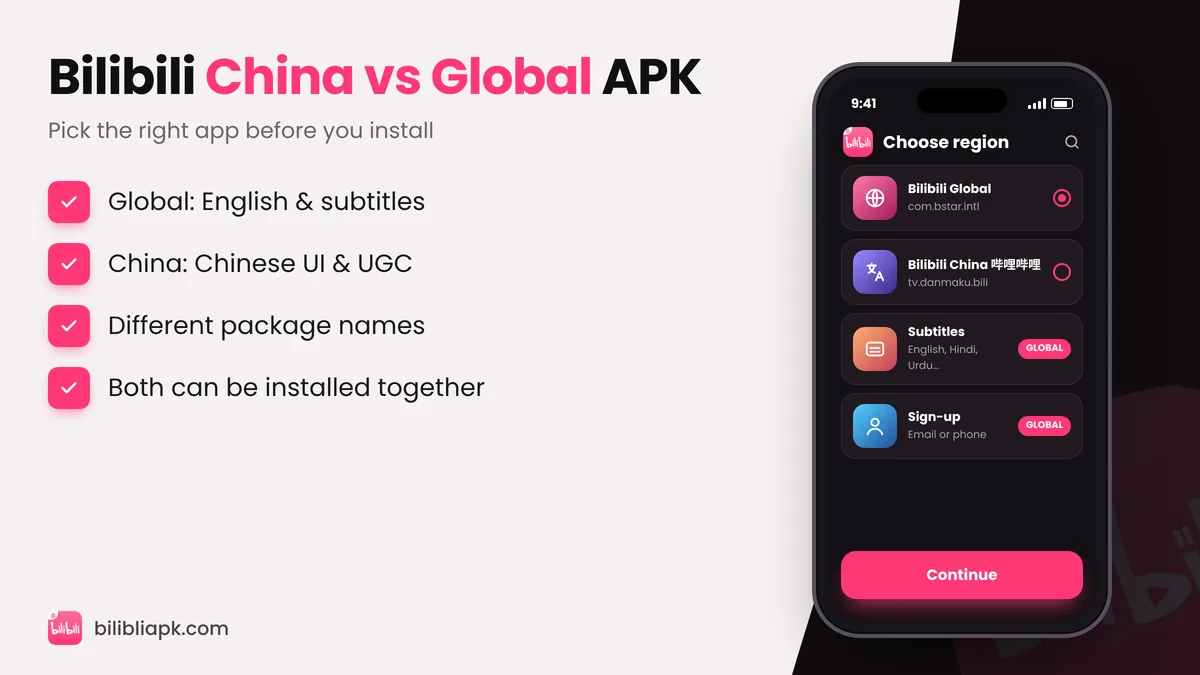
The Bilibili China APK (哔哩哔哩, package tv.danmaku.bili) is the original Chinese app with a Chinese-only interface and a huge library of Chinese creator videos. The Bilibili Global APK (com.bstar.intl, also called the international version or 国际版) has English menus, multilingual subtitles and licensed anime for viewers outside mainland China. Most people outside China should install the Global Bilibili APK.
Bilibili China vs Bilibili Global
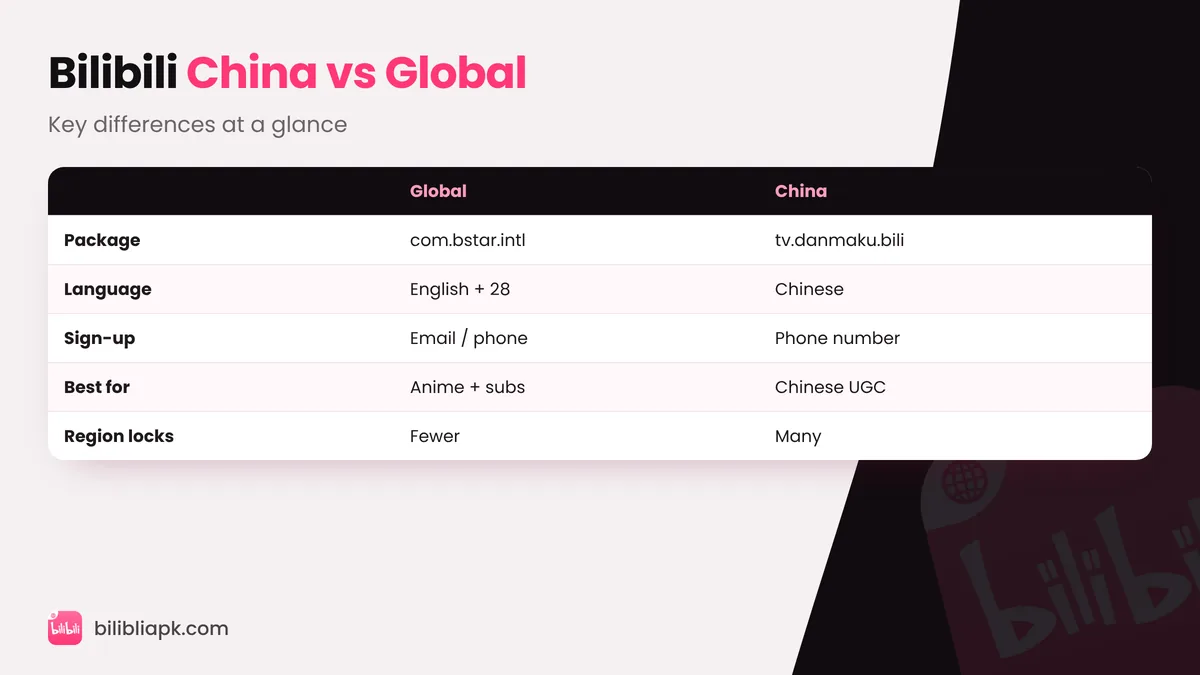
| Bilibili Global | Bilibili China | |
|---|---|---|
| Package | com.bstar.intl | tv.danmaku.bili |
| Developer | BALABOOM PTE. LTD. (Singapore) | Bilibili's mainland China company |
| App language | English + 28 more | Simplified Chinese |
| Subtitles | English, Hindi, Urdu, Indonesian, Thai… | Mostly Chinese |
| Sign-up | Email or phone number | Phone number (Chinese numbers work best) |
| Content | Licensed anime, donghua, dramas, UGC | Massive Chinese UGC, live, games, anime for China |
| Region locks outside China | Few | Many titles blocked |
Which Bilibili APK Should You Download?
- You want anime with English subtitles → Global APK.
- You live in Bangladesh, India, Pakistan, the Philippines or Southeast Asia → Global APK.
- You read Chinese and follow Chinese creators, vloggers or live streamers → China APK.
- You are learning Chinese → China APK is great practice, but expect region-locked anime.
Can You Install Both Apps?
Yes. Because the package names are different, Android treats them as two separate apps. You can keep the Global app for anime and the China app for Chinese creators side by side. Accounts are separate, though – your Global login does not work in the China app.
How to Install the Bilibili China APK
- Download the official 哔哩哔哩 APK (package tv.danmaku.bili) from a trusted source.
- Allow installs from unknown apps for your browser or Files app.
- Open the file, tap 安装 / Install, then 打开 / Open.
- Agree to the privacy prompt (同意) to continue.
Full screenshots of the install screens are in our Bilibili APK install guide.
Common Problems With the China APK
- Everything is in Chinese: the China app has no English option. Use your phone's camera translate, or switch to the Global app. Tips: change Bilibili language to English.
- "Region restricted" message: many shows are licensed only for mainland China.
- Cannot verify phone number: some features require a Chinese (+86) number.