Table of contents
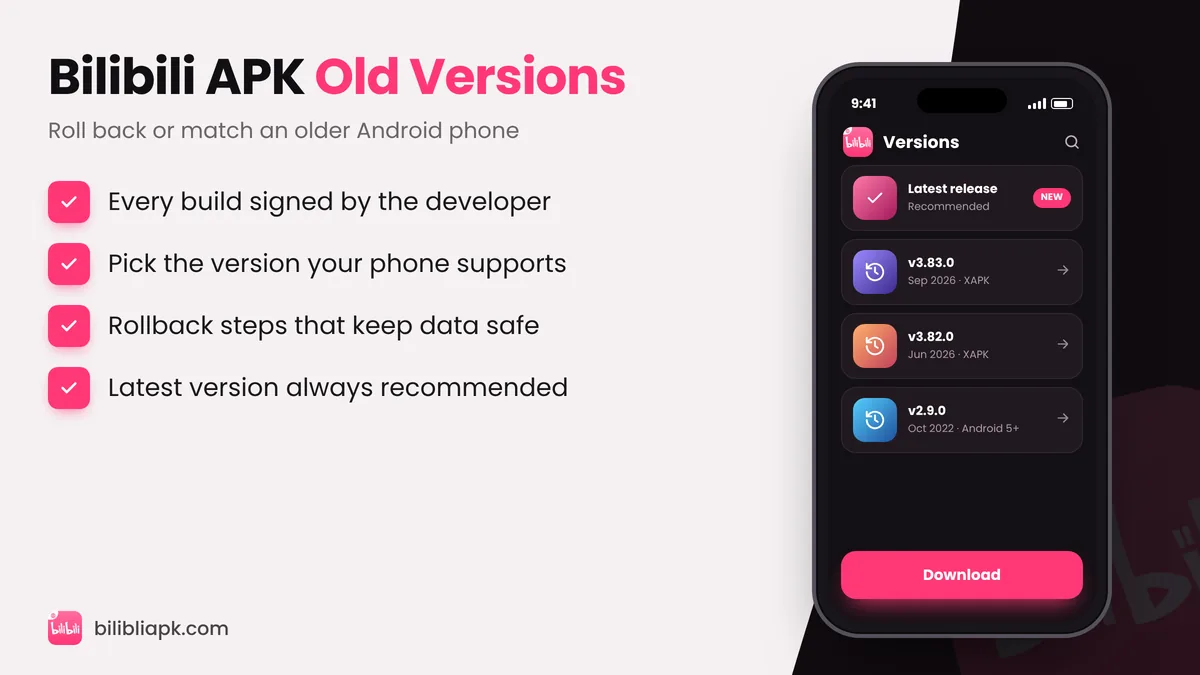
The latest Bilibili APK is v3.83.1 and needs Android 7.0+. Older builds such as v2.9.0 (October 2022) still support Android 5.0, which helps very old phones. To install an old version, uninstall the current app first (or the install fails), install the older APK, and turn off auto-update for Bilibili in the Play Store.
Bilibili APK Version History
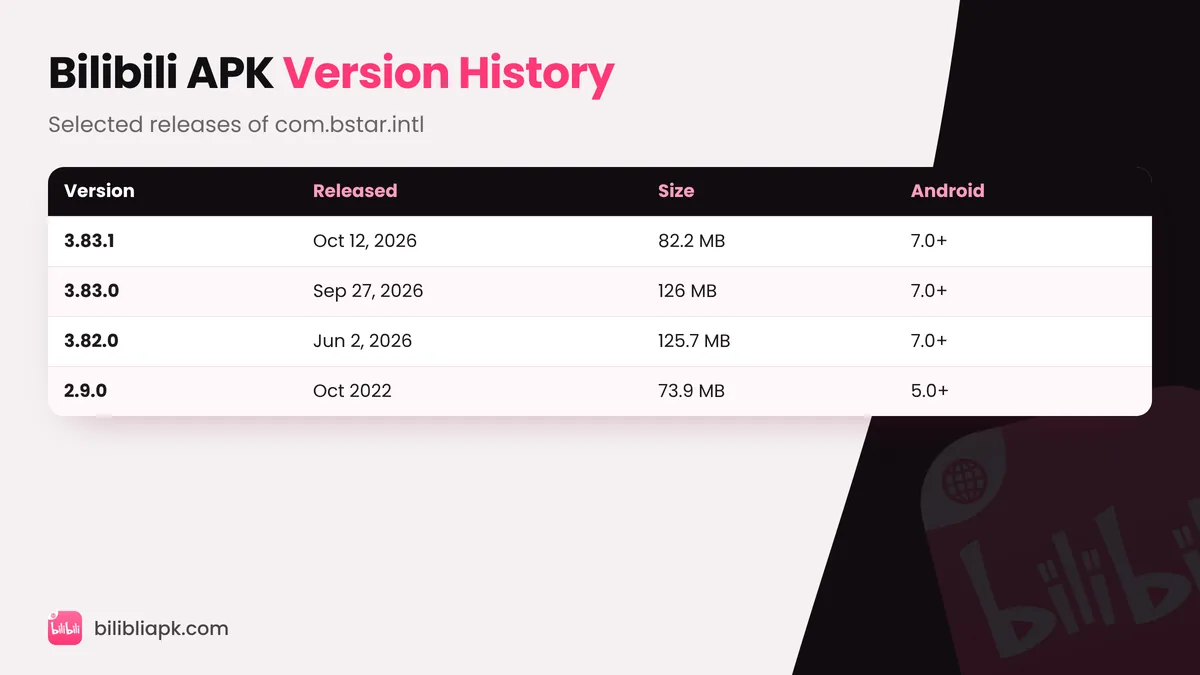
| Version | Release date | Size | Requires |
|---|---|---|---|
| v3.83.1 (latest) | October 12, 2026 | 82 MB | Android 7.0+ |
| v3.83.0 | September 27, 2026 | 126 MB (XAPK) | Android 7.0+ |
| v3.82.0 | June 2, 2026 | 125.7 MB (XAPK) | Android 7.0+ |
| v2.9.0 | October 2022 | 73.9 MB (bundle) | Android 5.0+ |
Release dates and sizes are taken from public app mirrors and the official listing. XAPK files are bundles that contain the main APK plus extra parts, so they look larger.
Why Download an Old Version of Bilibili?
- Older Android phones: Android 5 or 6 devices cannot install current builds.
- Bug in a new update: a fresh release occasionally breaks playback or subtitles on certain phones.
- Familiar layout: some users prefer an older interface.
- Low storage: older builds are often smaller.
Remember: old versions miss security fixes and new features, and Bilibili may stop supporting very old builds at any time. Use the latest Bilibili APK whenever your phone allows it.
How to Install an Old Bilibili APK (Rollback)
- Back up: note the episodes you are watching; downloads saved inside the app may be removed.
- Uninstall the current Bilibili app (Android does not allow installing a lower version over a higher one).
- Download the old APK you need and open it.
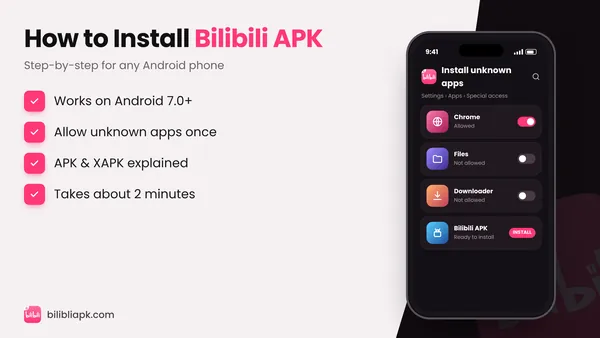
- Allow unknown apps if asked, then tap Install. Full help: how to install Bilibili APK.
- Stop auto-updates: Play Store › search bilibili › ⋮ menu › untick Enable auto update.
Which Version Should You Choose?
| Your phone | Recommended build |
|---|---|
| Android 7.0 or newer | Latest v3.83.1 |
| Android 5.0 – 6.0 | v2.9.0 or another 2.x build |
| Android 4.x | Not supported – use the website in a browser |
Is It Safe to Download Old Bilibili Versions?
Yes, as long as the old APK is the original file signed by BALABOOM PTE. LTD. with the package name com.bstar.intl. Avoid "old version mod" files – they are just modded APKs with a different label. Read our Bilibili Mod APK warning to see why.