Table of contents
Open Bilibili, tap your Profile tab, tap the Settings (gear) icon, choose Language and select English. For subtitles, start a video, tap the screen, tap CC / Subtitles and choose English. If the app has no English option at all, you installed the Chinese app – install the Global Bilibili APK instead.
Change the App Language to English
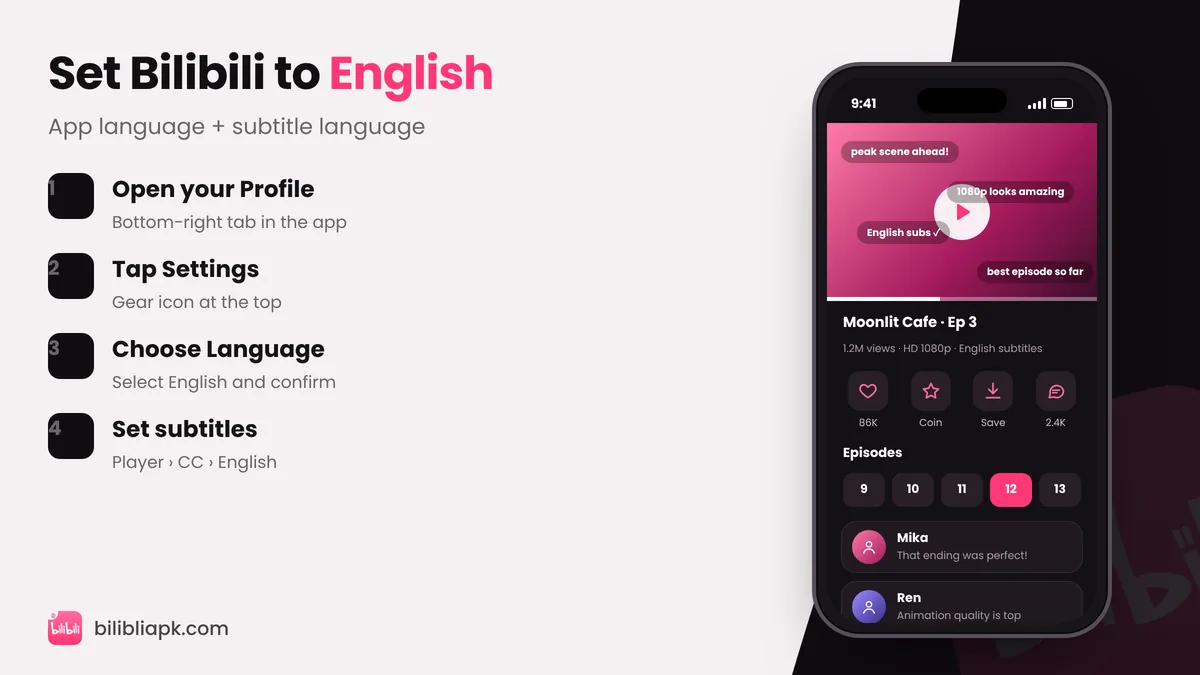
- Open the Bilibili app and tap Profile (bottom right).
- Tap the gear icon to open Settings.
- Tap Language (it may appear as Bahasa, ภาษา, Ngôn ngữ, اللغة and so on).
- Select English and confirm. The app reloads in English.
Tip: Can't read the current menu? Language is usually the item with a globe or "A文" icon. You can also change your phone language to English temporarily – the app often follows it on first launch.
Turn On English Subtitles
- Play any episode and tap the video once to show controls.
- Tap CC or the subtitle icon (top right in full-screen).
- Choose English. Bilibili remembers it for the next episodes.
Not every title has every language. If English is missing, the licence for that show only includes other subtitles in your region.
Supported Languages
The international app lists English and 28 more languages, including Hindi, Urdu, Arabic, Indonesian, Malay, Thai, Vietnamese, Japanese, Korean, Spanish, Portuguese, French, German, Turkish and both Simplified and Traditional Chinese. That makes it one of the most multilingual anime apps available.
Bilibili Is Still in Chinese?
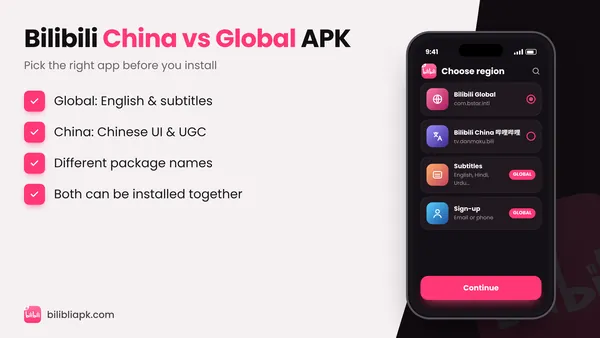
The Chinese app 哔哩哔哩 (tv.danmaku.bili) has no English interface. Check your installed app:
- Package com.bstar.intl → Global app, English available.
- Package tv.danmaku.bili → China app, Chinese only.
Read the full comparison in Bilibili China vs Global APK, then install the right one with our install guide.
Change Language on TV, iPhone and Website
- Android TV: open Settings from the TV app's menu and look for Language. Guide: Bilibili TV APK.
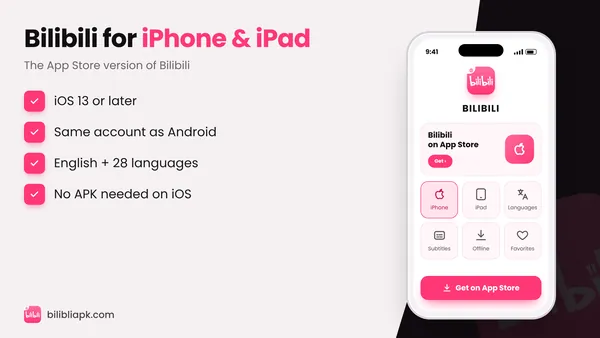
- iPhone / iPad: same steps as Android (Profile › Settings › Language). See Bilibili for iOS.
- Website: on bilibili.tv, use the language selector in the top bar or page footer.