Table of contents
Quick answer
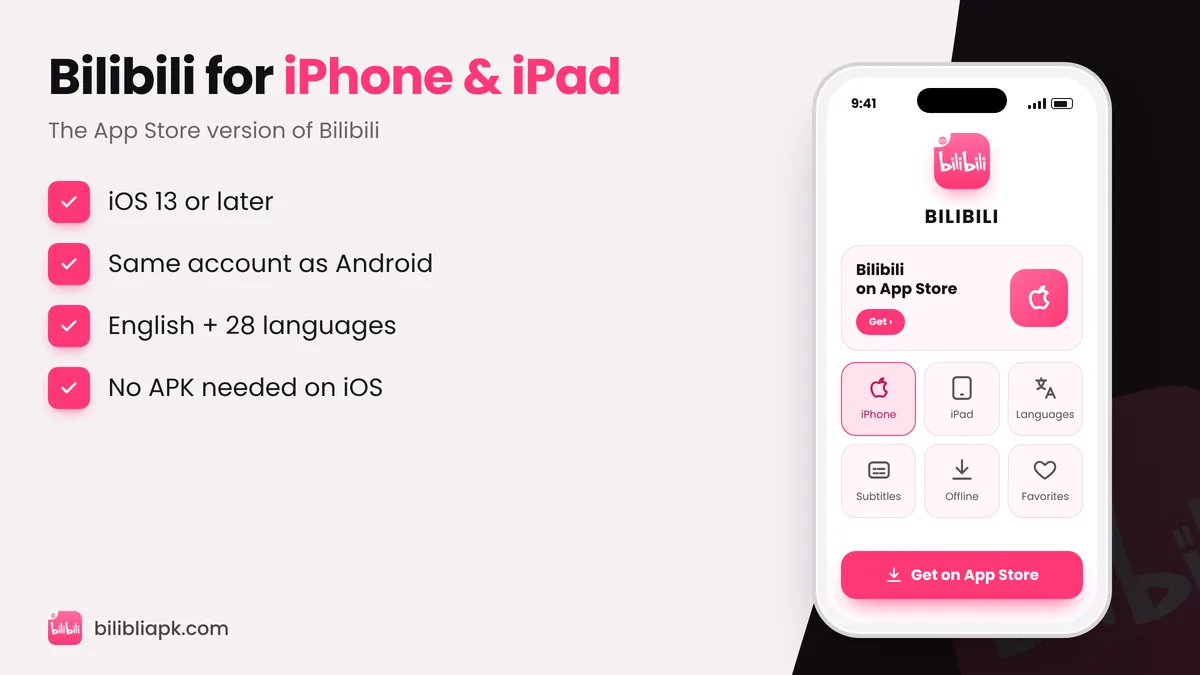
There is no Bilibili APK for iOS – APK is an Android-only format. On iPhone and iPad, install BiliBili – HD Anime, Videos by BALABOOM PTE. LTD. from the App Store. It is free, needs iOS 13 or later, supports English plus 28 other languages and uses the same account as the Android Bilibili APK.
Bilibili iOS App Details
| Detail | Value |
|---|---|
| App name | BiliBili – HD Anime, Videos |
| Developer | BALABOOM PTE. LTD. |
| Recent version | 3.83.2 (October 2026) |
| Size | About 248.5 MB |
| Requires | iOS / iPadOS 13 or later |
| Languages | English + 28 more (Hindi, Urdu, Indonesian, Thai, Vietnamese…) |
| Price | Free, in-app purchases for Premium |
How to Install Bilibili on iPhone or iPad

- Open the App Store and tap Search.
- Type "BiliBili – HD Anime, Videos".
- Check the developer name: BALABOOM PTE. LTD.. Ignore look-alike apps.
- Tap Get and confirm with Face ID, Touch ID or your Apple ID password.
- Open the app, choose your language and log in.
Bilibili Not Available in Your App Store?
The app is not listed in every country. Your options:
- Use the website: open bilibili.tv in Safari – it works well on iPhone and iPad.
- Change your Apple ID region: possible in Settings › your name › Media & Purchases, but you must cancel active subscriptions and use a payment method from the new country. Only do this if you understand the trade-offs.
- Use another device: an Android phone or Android TV stick can install the APK directly.
Why You Can’t Install an APK on iPhone
iPhones run iOS, which only installs apps in Apple's IPA format through the App Store. An APK is built for Android and will not open on iOS. Websites that offer a "Bilibili APK for iOS" or ask you to install profiles are best avoided – they can install unwanted configurations on your device.
Tips for Bilibili on iOS
- Set the subtitle language in the player (CC button) – see change Bilibili language to English.
- Use AirPlay or screen mirroring to watch on a TV.
- Download episodes on Wi-Fi to save mobile data.