Table of contents
Bilibili Premium is the paid plan inside the official Bilibili app – there is no separate "Premium APK". It adds higher video quality (up to 4K on supported titles), early access to new episodes, the full licensed anime library and more titles available for offline download. Prices depend on your country; on the Singapore App Store a Standard plan is listed at S$4.48 per month and S$38.98 per year.
People often search for a "Bilibili Premium APK" or "Bilibili Pro APK" expecting a special app. In reality, you install the normal Bilibili APK and upgrade inside it. Files that claim to be a Premium APK are modded copies – see the Bilibili Mod APK risks.
Bilibili Free vs Premium
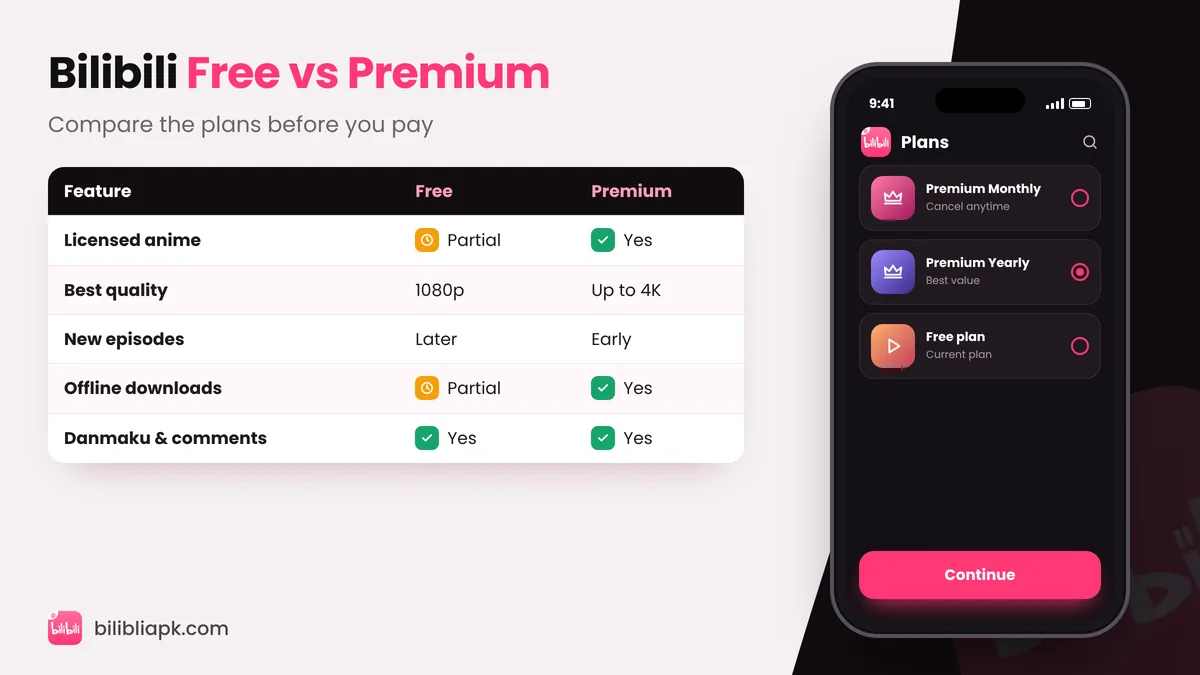
| Feature | Free | Premium |
|---|---|---|
| Classic anime and community videos | Yes | Yes |
| Full licensed library | Partial | Yes |
| New episodes | After a waiting period | Early access |
| Best video quality | Up to 1080p on many titles | Up to 4K on supported titles |
| Offline downloads | Many titles | More titles |
| Danmaku, comments, live streams | Yes | Yes |
Bilibili Premium Price
Bilibili sets prices per country and changes them over time, so always check the price shown in your app. As an example, the Singapore App Store lists these in-app purchases:
| Plan | Example price (Singapore) |
|---|---|
| Standard – monthly | S$4.48 |
| Standard – yearly | S$38.98 |
| Premium – monthly | S$4.98 – S$5.98 |
Yearly plans work out cheaper per month. You pay through Google Play billing on Android or your Apple ID on iPhone.
How to Get Bilibili Premium in the Official APK
- Install or update the official Bilibili APK v3.83.1.
- Log in, then open your Profile tab.
- Tap Premium and choose a monthly or yearly plan.
- Pay with Google Play (or your local method). Premium activates on every device using your account – including the TV app.
How to Cancel Bilibili Premium
- Android: Google Play Store › profile picture › Payments & subscriptions › Subscriptions › Bilibili › Cancel.
- iPhone: Settings › your name › Subscriptions › Bilibili › Cancel.
Premium stays active until the end of the period you paid for.
Is Bilibili Premium Worth It?
Worth it if you…
- Follow seasonal anime week by week
- Watch on a big 4K TV
- Download a lot for travel
Skip it if you…
- Mostly watch classics and community videos
- Do not mind waiting for new episodes
- Already pay for another anime service
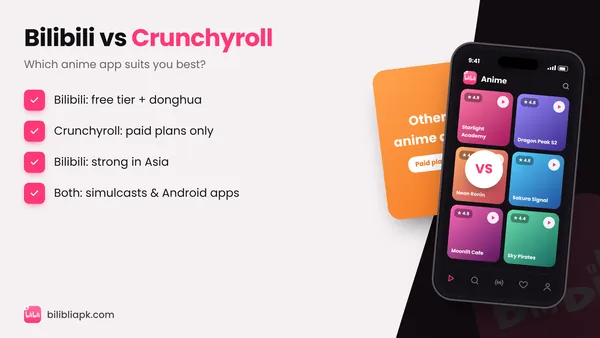
Comparing services? Read Bilibili vs Crunchyroll.