Table of contents
The best Bilibili video downloader is the one already inside the official Bilibili APK. Open an episode, tap the download icon under the player, choose a quality (up to 1080p) and find it later in Profile › Downloads. Downloads play only inside the Bilibili app and some licensed titles may limit downloads.
How to Download Bilibili Videos in the App
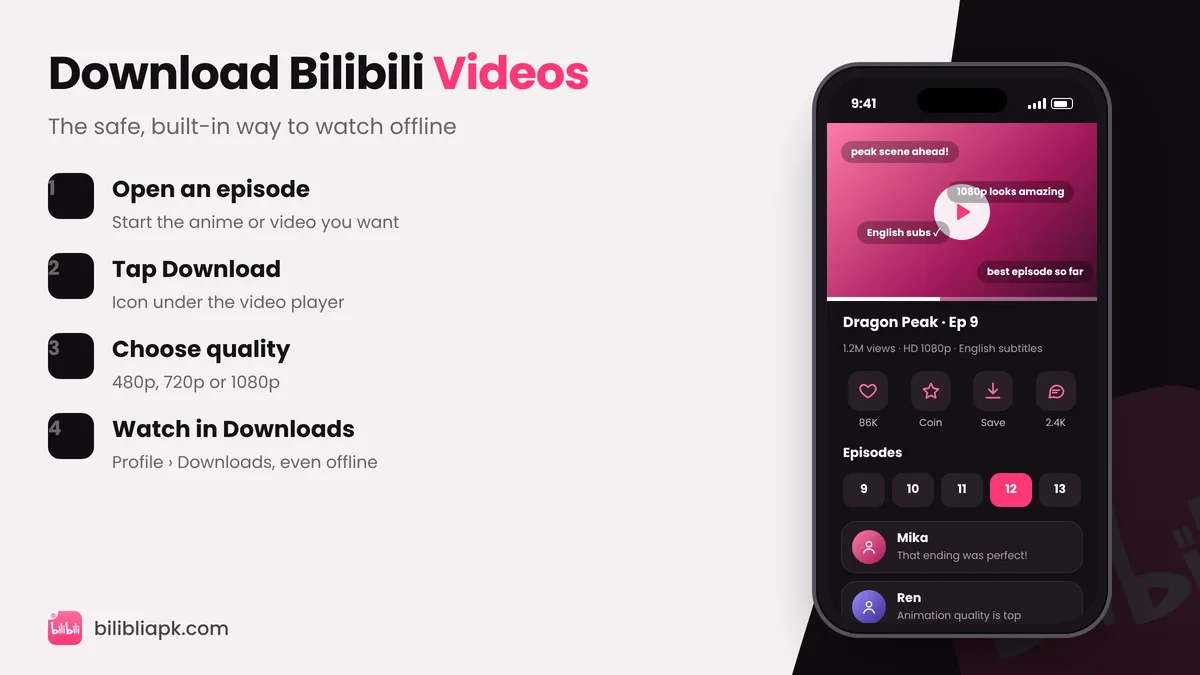
- Install or update the Bilibili APK v3.83.1.
- Open the anime or video you want to save.
- Tap the Download (arrow) icon below the player. For a series, tick several episodes at once.
- Pick a quality – 480p saves space, 1080p looks best.
- Watch later in Profile › Downloads, even in airplane mode.
How Much Storage Do Downloads Use?
| Quality | About per 24-min episode |
|---|---|
| 480p | 100–150 MB |
| 720p | 200–300 MB |
| 1080p | 350–500 MB |
Sizes vary with the video, but this gives you a realistic estimate. Clear watched downloads from the Downloads page to free space.
Where Are Bilibili Downloads Saved?
Downloads are stored inside the app's own storage on your phone and are meant to be played in the Bilibili app – you will not find them as normal MP4 files in your Gallery. If you uninstall the app or clear its data, your downloads are deleted too.
Download Limits to Know
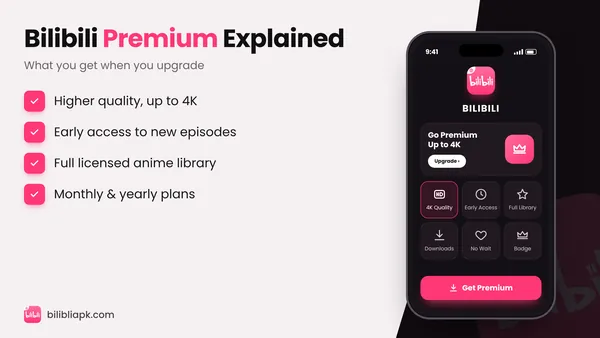
- Some licensed anime cannot be downloaded, or only by Premium members – see Bilibili Premium.
- Region-locked titles cannot be downloaded in countries where they are blocked.
What About Third-Party Bilibili Downloader Apps?
Apps and websites that promise to save Bilibili videos as MP4 files are popular, but be careful:
- Copyright: downloading licensed anime outside the official app can break copyright law and Bilibili's terms.
- Malware: many "video downloader APKs" are packed with aggressive ads or spyware.
- Account risk: some ask for your Bilibili login cookies – never share them.
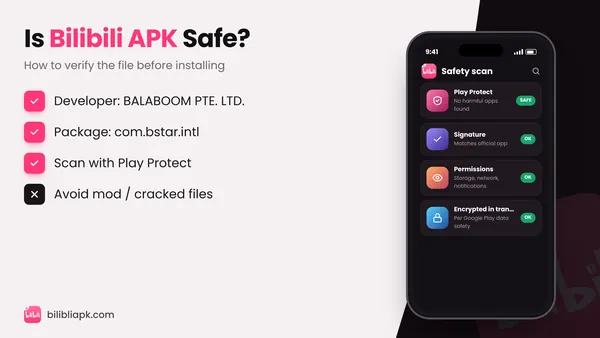
If you created a video yourself, you can download your own uploads from the creator tools. For everything else, stick to the built-in downloader. More safety tips: is Bilibili APK safe?