Table of contents
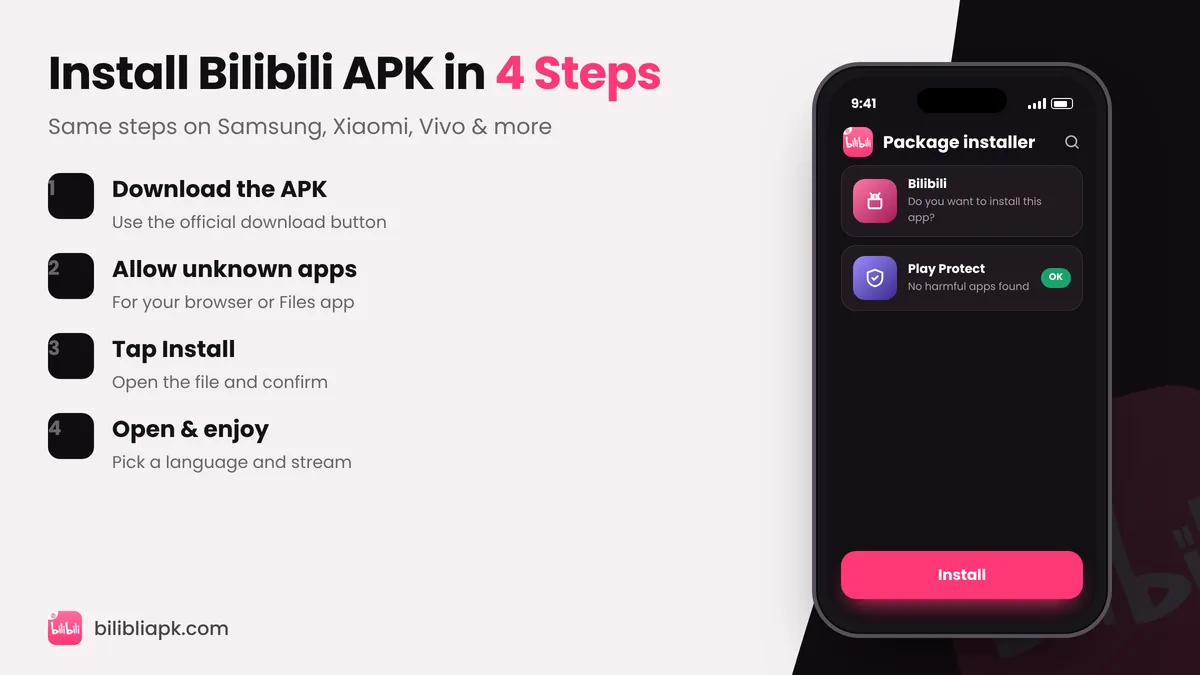
To install Bilibili APK: 1) download the latest Bilibili APK v3.83.1, 2) allow your browser or Files app to "install unknown apps", 3) open the file and tap Install, 4) open Bilibili and choose your language. It takes about two minutes on any phone running Android 7.0+.
Before You Start
- Your phone runs Android 7.0+ (Settings › About phone › Android version)
- You have at least 500 MB of free storage
- You are on Wi-Fi or have enough mobile data for a 82 MB file
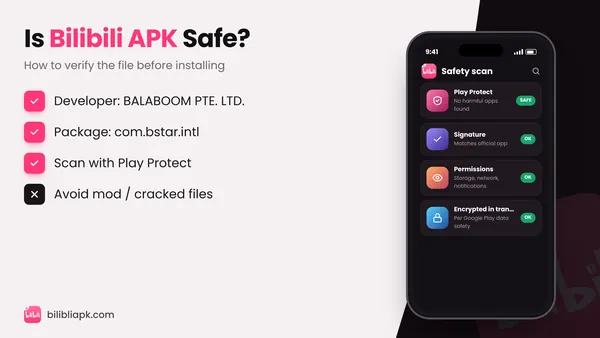
- You are downloading the official file (package com.bstar.intl)
Step-by-Step: Install Bilibili APK
Step 1: Download the APK
Open the Bilibili APK download section and tap the download button. Chrome may warn that "this type of file can harm your device" – that message appears for every APK file. Tap Download anyway.
Step 2: Allow installation from unknown apps
Android blocks apps from outside the Play Store until you give permission to the app that opens the file:
| Phone brand | Where to find the setting |
|---|---|
| Stock Android / Pixel | Settings › Apps › Special app access › Install unknown apps |
| Samsung (One UI) | Settings › Apps › ⋮ › Special access › Install unknown apps |
| Xiaomi / Redmi / POCO | Settings › Privacy protection › Special permissions › Install unknown apps |
| Vivo / iQOO | Settings › Security › Install unknown apps |
| Oppo / realme | Settings › Password & security › System security › Install external apps |
Choose Chrome (or the Files app you will use) and turn on Allow from this source. On most phones you can also simply tap Settings on the pop-up that appears when you open the APK.
Step 3: Install
Open the Downloads folder or the notification, tap the Bilibili file and press Install. If Google Play Protect shows a scan prompt, let it scan – the official app passes.
Step 4: Open and set up
Tap Open, pick your app language, then browse as a guest or log in with email or phone. To get English menus and subtitles, follow this language guide.
How to Install a Bilibili XAPK File
Some mirrors publish Bilibili as an XAPK (a bundle of the main APK plus extra split files). Android cannot open XAPK directly:
- Install an XAPK installer from a trusted store (for example, the official APKPure or SAI – Split APKs Installer).
- Open the XAPK file with that installer and tap Install.
- Or simply use a single APK file instead, which installs normally.
Fix Common Install Errors
| Error | Fix |
|---|---|
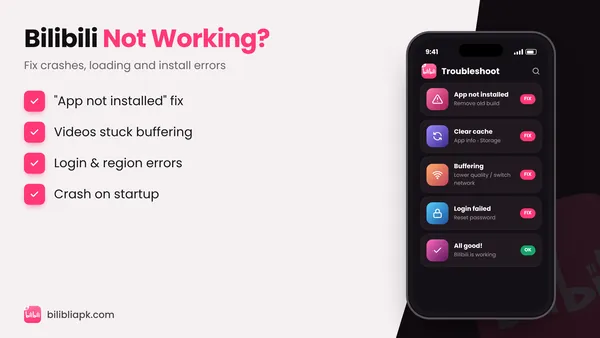
| App not installed | Uninstall the old or modded Bilibili app first, then install again |
| There was a problem parsing the package | Download the file again (it was incomplete) and check your Android version |
| Installation blocked | Allow "install unknown apps" for the app opening the file |
| Not enough storage | Free at least 500 MB and retry |
| App installed but crashes | Clear cache and update Android System WebView |
Still stuck? See Bilibili not working – 12 fixes.
Install on Other Devices
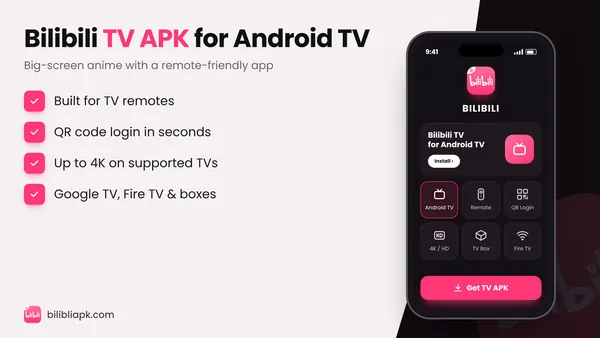
- Android TV / Fire TV: Bilibili TV APK guide
- Windows or Mac: Bilibili for PC
- iPhone / iPad: Bilibili for iOS