Table of contents
- 1. Check if Bilibili Is Down
- 2. Force Stop and Restart the App
- 3. Clear the App Cache
- 4. Update to the Latest Version
- 5. Update Android System WebView and Chrome
- 6. Fix Buffering and Slow Loading
- 7. Fix "App Not Installed"
- 8. Fix "Not Available in Your Region"
- 9. Fix Login and Verification Problems
- 10. Fix Chinese Language Showing
- 11. Free Up Storage and RAM
- 12. Reinstall or Roll Back
- Bilibili Not Working on TV or PC?
- FAQs
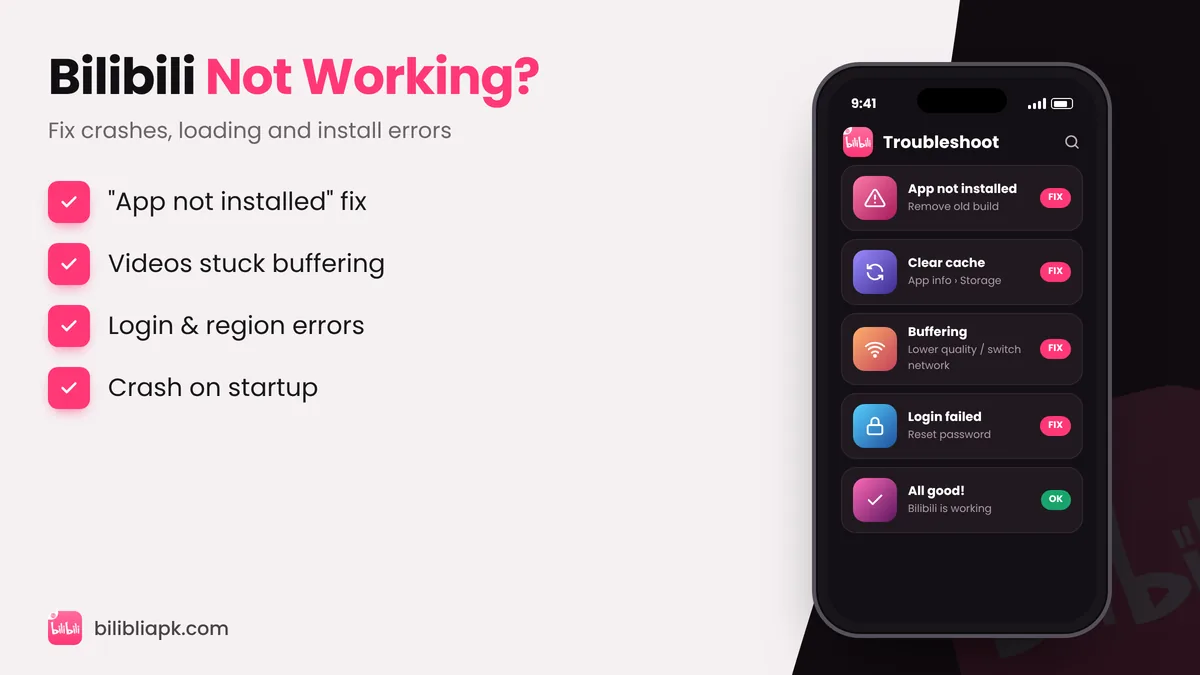
If Bilibili is not working, first check whether the service is down for everyone, then restart the app, clear its cache, update to the latest Bilibili APK v3.83.1 and update Android System WebView. For install errors, uninstall old or modded versions first. For "not available in your region", the title is licence-locked in your country.
1. Check if Bilibili Is Down
If videos fail on Wi-Fi and mobile data and on every device, the problem is probably on Bilibili's side. Check Bilibili's official social accounts or a status site, wait 30 minutes and try again.
2. Force Stop and Restart the App
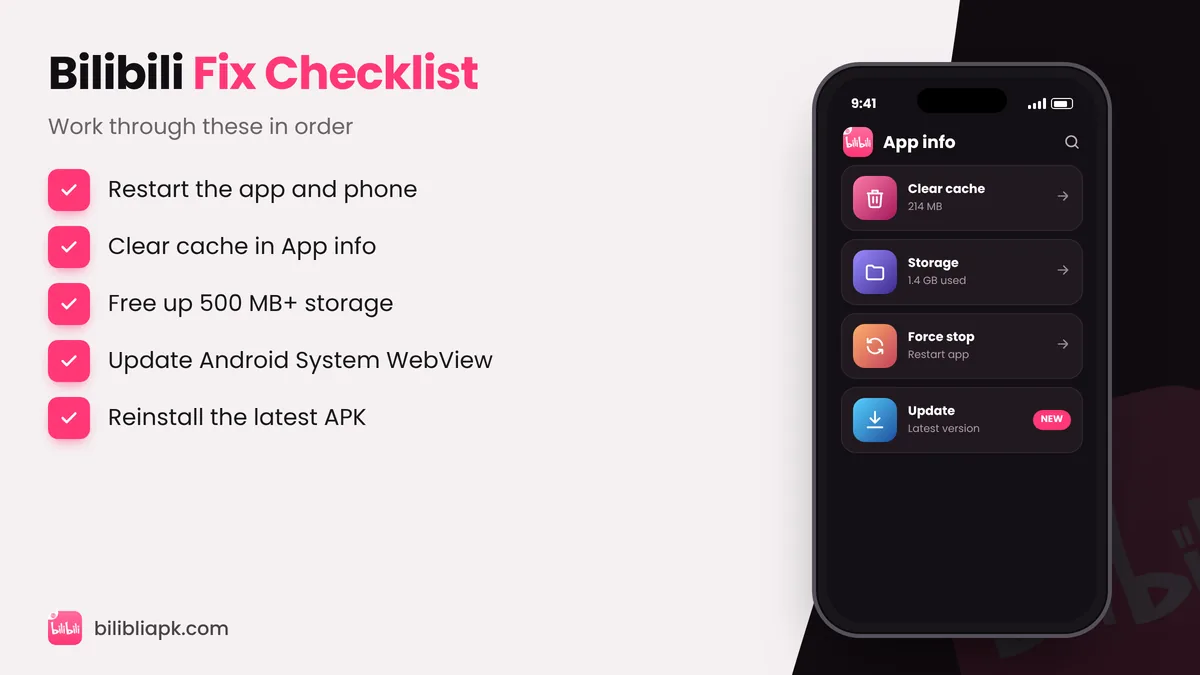
Go to Settings › Apps › BiliBili › Force stop, then open it again. Restart your phone if it has been on for days.
3. Clear the App Cache
Settings › Apps › BiliBili › Storage › Clear cache. This removes corrupted temporary files but keeps your login and downloads. Use Clear data only as a last resort – it signs you out and deletes downloads.
4. Update to the Latest Version
Old builds stop working when Bilibili changes its servers. Install the newest Bilibili APK v3.83.1 over the current one.
5. Update Android System WebView and Chrome
Login pages and some menus rely on WebView. Update Android System WebView and Chrome from the Play Store.
6. Fix Buffering and Slow Loading
- Lower the quality from 1080p to 720p or 480p.
- Switch between Wi-Fi and mobile data, or restart your router.
- Turn off data saver and battery saver for Bilibili.
- Close other apps that are downloading in the background.
7. Fix "App Not Installed"
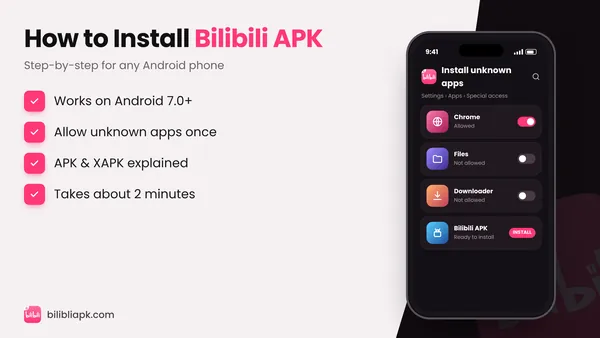
This usually means a different version with another signature is already installed – often a mod or an older build. Uninstall it, then install the official APK. Also make sure the file is not half-downloaded. Step-by-step help: how to install Bilibili APK.
8. Fix "Not Available in Your Region"
Anime licences are sold per country, so some titles only appear in certain regions. Search for another licensed title or check whether it is available on the Premium plan in your country.
9. Fix Login and Verification Problems
- Check the email or SMS code arrived (look in spam).
- Reset your password from the login screen.
- Make sure the date and time on your phone are set automatically.
10. Fix Chinese Language Showing
You probably installed the Chinese app (tv.danmaku.bili). Install the Global app instead – details in Bilibili China vs Global APK – or change the language as shown in this guide.
11. Free Up Storage and RAM
Bilibili needs at least 300–500 MB free. Delete old offline downloads inside the app and clear space in your gallery or WhatsApp media.
12. Reinstall or Roll Back
Uninstall Bilibili, restart the phone and install the latest APK again. If a new update is buggy on your device, install a previous build from Bilibili old versions until a fix arrives.
Bilibili Not Working on TV or PC?
On Android TV, make sure you installed the TV build – see the Bilibili TV APK guide. On a computer, try another browser or the emulator method in Bilibili for PC.